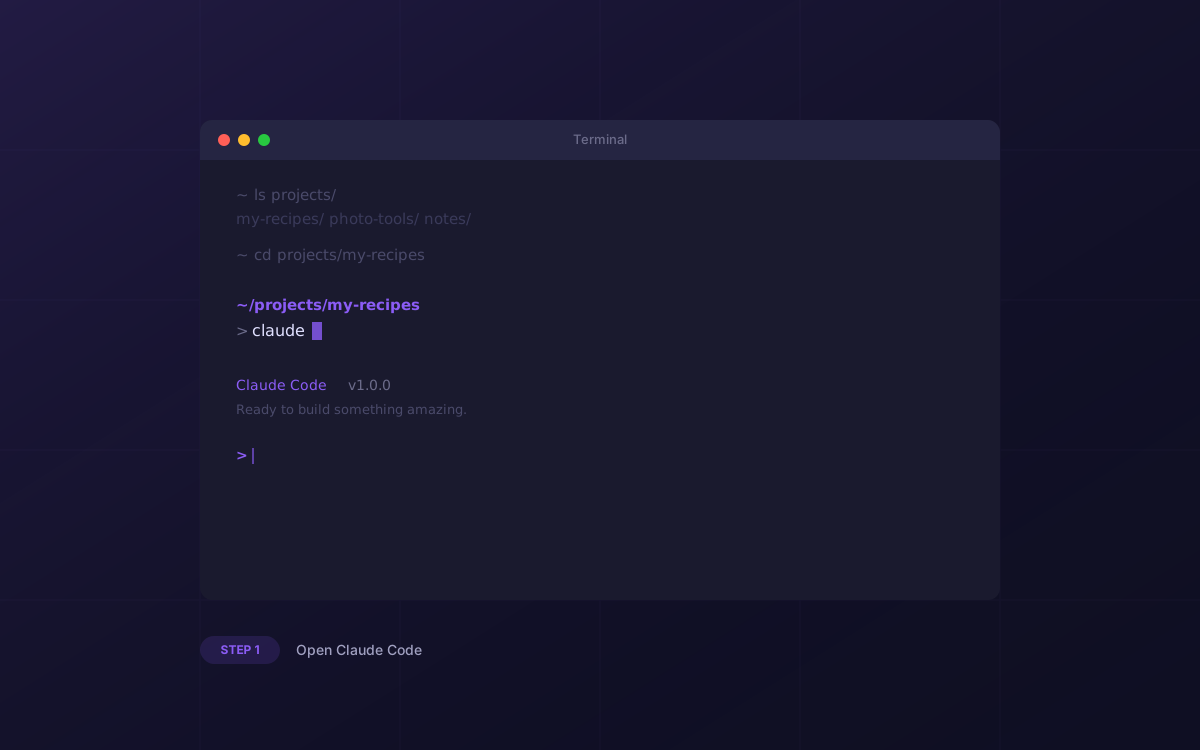
Open Claude Code with the OpenPeep plugin
Launch your terminal and type claude. Make sure you've installed the OpenPeep plugin first — run /plugin marketplace add TaisoAI/openpeep then /plugin install openpeep@taiso-openpeep inside Claude Code. This gives Claude MCP tools for creating peeps, previewing files, and publishing to PeepHub. No docs to read, no boilerplate to copy.