Open the Board view
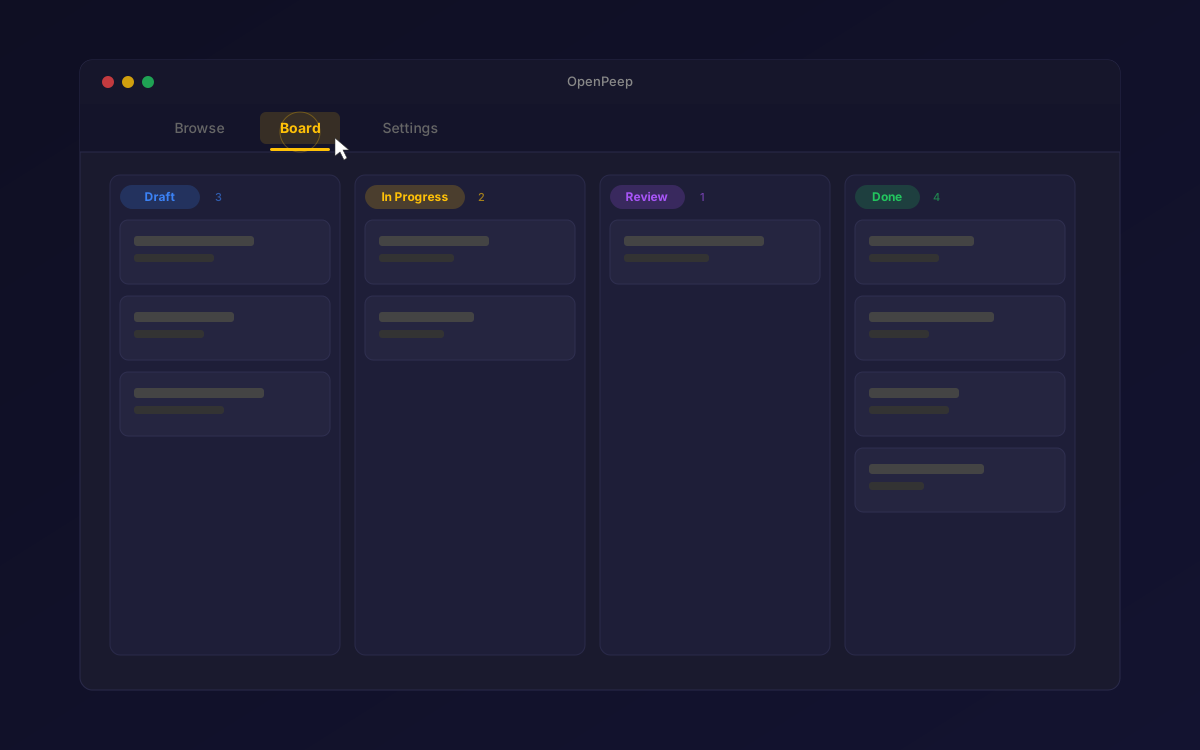
Click the "Board" tab in the header navigation bar. The Kanban board loads instantly, showing all files in your current space arranged into status columns. This is your command center for tracking work at a glance.
Click the "Board" tab in the header navigation bar. The Kanban board loads instantly, showing all files in your current space arranged into status columns. This is your command center for tracking work at a glance.